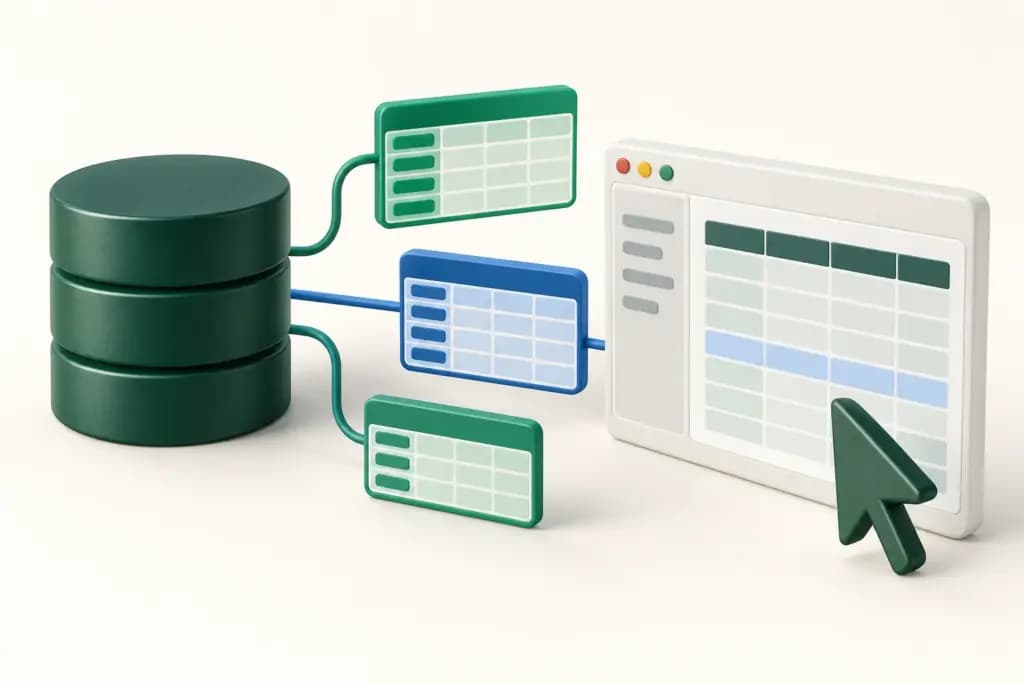
A database GUI should make routine work understandable: connect to the right database, inspect a schema, write a query, and review changes before applying them. The wrong interface can make that work slower, but the more serious problem is uncertainty about which connection or operation is active.
DBeaver, DataGrip, TablePlus, Beekeeper Studio, and DbGate approach the desktop database workflow differently. DBeaver spans a broad product family, DataGrip emphasizes SQL development, TablePlus presents a native interface, Beekeeper Studio focuses on approachable querying and editing, and DbGate combines desktop and web options. This comparison uses official materials checked October 12, 2026, without claiming measured speed or safety rankings.
A client does not replace database permissions
These tools interact with databases using the credentials and privileges you give them. A helpful confirmation prompt cannot replace an appropriately restricted database account. Separate production and development connections, use a read-only role for exploration, and keep the server’s authorization model as the controlling boundary.
A desktop client also serves a different purpose from a governed reporting platform. If the actual requirement is sharing modeled reports with many viewers, our business intelligence comparison covers that decision. Here, the focus is direct schema and query work by people who understand the underlying database.
The quick difference
| Product | Best fit | Useful emphasis | Boundary to examine |
|---|---|---|---|
| DBeaver | Teams using several database engines | Broad connectivity and edition choices | Community versus commercial capabilities |
| DataGrip | Developers writing and maintaining SQL | Schema-aware completion and code analysis | Commercial license and optional AI terms |
| TablePlus | Users wanting a native database interface | Direct browsing, editing, and queries | Operating-system parity and update entitlement |
| Beekeeper Studio | Approachable query and table workflows | SQL editor and spreadsheet-style data access | Engine support and paid authentication features |
| DbGate | Mixed SQL and NoSQL desktop or web work | Data browsing and deployment choices | Premium features and team administration |
DBeaver
DBeaver Community is a free, open-source database tool, while commercial DBeaver products add capabilities for development, administration, cloud access, and collaboration. The product family includes desktop editions as well as separate browser and team offerings. That breadth is useful, but buyers need to identify the actual edition under evaluation.
Strengths: broad connectivity makes DBeaver relevant when a team works across several engines. Querying, metadata inspection, and data operations can live in one familiar environment. The edition range provides options for users whose requirements extend from basic exploration to cloud-aware development and team resource management.
Limitations: engine coverage, enterprise authentication, cloud integrations, automation, and collaboration are not identical across Community and paid products. The commercial page distinguishes Lite, Enterprise, Ultimate, CloudBeaver, and Team Edition. Do not interpret the whole company’s feature list as the capabilities of the free desktop download.
Best fit: heterogeneous database environments. List your exact drivers, versions, authentication methods, and required operations before choosing an edition. Check the chosen desktop package separately from any server component or shared browser deployment.
DataGrip
DataGrip is a cross-platform database IDE from JetBrains. Its current product materials describe schema-aware code completion, query execution modes, inspections, quick fixes, query history, and version-control integration. That positions it around writing and maintaining SQL rather than only browsing rows.
Strengths: developers working with substantial SQL can benefit from an IDE that understands database objects and relationships. Code analysis can highlight unresolved objects before execution, and local history helps retain query work. Familiar JetBrains conventions may also reduce the transition for teams already using that ecosystem.
Limitations: free non-commercial access is not a general free license for paid company work. Commercial purchases differ for individual and organizational ownership, and the dynamic buy page did not expose a reliable numeric quote in this research. Optional AI features require separate review of entitlements and data handling.
Best fit: developers whose recurring work involves SQL authoring, navigation, and revision. Evaluate a representative schema and dialect, not only a small sample table. Check introspection time and connection authentication on your environment, then confirm who owns the commercial license.
TablePlus
TablePlus offers native database management applications for several operating systems, with browsing, query editing, and direct data operations. Its interface-oriented approach merits attention when an operator wants routine database tasks to feel like a focused desktop application rather than an extensive development environment.
Strengths: a direct browsing and editing workflow can fit frequent small tasks: inspecting a row, checking a relation, or running a known query. Multiple engine support means a user can maintain a consistent working pattern across supported connections. Those are practical fit considerations, not evidence that it runs faster than competitors.
Limitations: platform-specific capabilities need individual confirmation. The free trial limits simultaneously open tabs and windows. Paid licenses are perpetual with device or seat limits and one year of updates and support; continuing to use an older version differs from receiving future releases. Verify the purchase currency and tax treatment.
Best fit: users seeking a focused native interface. Pilot the required engine on the actual operating system, and inspect how pending edits are presented. Budget future update renewals separately from the right to keep using the purchased version.
Beekeeper Studio
Beekeeper Studio combines a SQL editor with autocomplete, saved queries, connection folders, and spreadsheet-style table browsing. Its materials also describe SSH tunnels and encrypted saved credentials. A Community edition and paid plans provide different combinations of database engines, data tools, and organizational connection features.
Strengths: the approachable query-and-table workflow can suit developers and analysts who need to move between SQL and individual records. Saved queries and organized connections support repeatable work. The interface is worth evaluating with colleagues who occasionally use databases rather than assuming every user wants a full IDE.
Limitations: the database and feature matrix matters. Some engines, imports and exports, cloud authentication, and additional tools require paid tiers. Pricing is explicitly in USD, per user, with monthly or annual billing. Annual subscribers receive lifetime access to versions released during the paid term; monthly subscribers qualify after 12 consecutive paid months. Future versions and cloud workspaces require renewed access.
Best fit: teams wanting an accessible desktop client with clear edition boundaries. Confirm each engine and authentication method, then decide whether optional cloud workspaces or AI features are needed. Desktop use and sharing saved connections are separate decisions.
DbGate
DbGate supports SQL and NoSQL database workflows with a data browser, query console, schema tools, and import and export options. It is available for desktop platforms and as a web application. Paid team capabilities add administration of users, connections, roles, and external identity providers.
Strengths: deployment flexibility matters when some users need a local tool while others need controlled browser access. The product also provides ways to navigate related data and work across different database types. That can be useful when a team’s application uses more than one storage model.
Limitations: Community, Premium, and Team Premium have different entitlements. Advanced query design, comparisons, batch data operations, and administration should be checked against the current matrix. DbGate Cloud connection and file limits are distinct from unlimited local connections. A shared web installation also creates an application your team must secure and operate.
Best fit: teams comparing local database work with a managed internal browser workflow. Demonstrate permissions for two users and ensure the right connections are visible. Verify premium features, deployment ownership, and the difference between desktop, hosted storage, and team administration.
How to evaluate database clients
Build a connection matrix. Record engine, server version, driver, operating system, TLS requirements, SSH routing, and identity method. A product saying it supports a database does not establish that your company’s managed authentication or network path works in every edition. Evaluate the real combination before buying licenses.
Use a restricted pilot. Start with a nonproduction database and read-only credentials. Inspect schema discovery, execution plans where relevant, query cancellation, and large result handling. Then use a separate write-enabled fixture to examine pending edits, transactions, and the visibility of changes before commitment.
Separate convenience from authority. Connection colors, labels, and confirmations can help prevent confusion, but privileges must remain enforced by the database. Test what the client shows when an operation is denied. Avoid granting broader access merely because a GUI makes an administrative action convenient.
Review what leaves the workstation. Saved connections, shared queries, telemetry, AI assistance, and exports may have different data paths. Decide whether optional services are appropriate for your schema and records. A desktop application does not imply that every enabled feature stays local.
Compare ownership over time. Count users and devices, then distinguish subscriptions, perpetual licenses, update periods, and support. Confirm currency, taxes, annual commitments, and organizational versus personal ownership. A low initial cost does not answer who receives security fixes or how a departing employee transfers their license.
Keep important SQL outside the client. A saved query library is useful, but production migrations and repeatable operational procedures deserve versioned review. Export representative scripts and connection definitions where supported. Record which sensitive fields are included before sharing those files with colleagues.
Evaluation checklist
- Does the required edition support every engine and authentication method?
- Can users clearly distinguish production from development connections?
- Are query cancellation, transactions, and pending edits understandable?
- Are optional sharing and AI data paths approved for the material?
- Are license ownership, future updates, and support costs explicit?
Conclusion
DBeaver suits broad engine coverage, DataGrip fits intensive SQL development, and TablePlus merits attention for native daily operations. Beekeeper Studio supports an approachable query workflow, while DbGate adds desktop and web deployment choices. Choose against your connection matrix and working habits, while keeping database permissions as the controlling authority.
References
Official sources checked October 12, 2026.