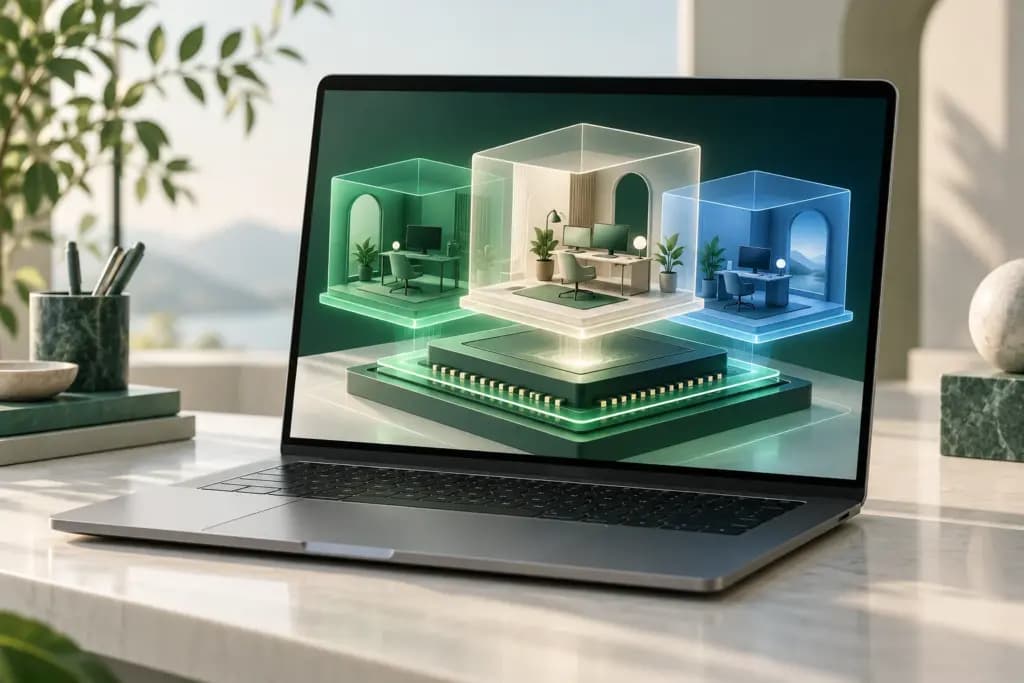
A local virtual machine can give a developer another operating system, let a support team reproduce a customer’s environment, or keep a temporary experiment separate from a daily workspace. The right desktop hypervisor depends first on the host computer and the guest system, then on how much integration and administration the job requires.
VMware Workstation Pro, VirtualBox, Parallels Desktop, UTM, and Hyper-V serve different host platforms and operating models. This comparison interprets official information checked October 26, 2026. It does not claim measured performance, application compatibility, or that a virtual machine creates a complete security boundary for every activity.
Start with processor and operating-system compatibility
The host is the physical computer running the virtualization software; the guest is the operating system inside the VM. Matching processor architectures and translating between architectures are different tasks. On an Apple silicon Mac, an Arm guest and an emulated older x86 system can have very different compatibility and performance characteristics.
A local VM also differs from controlling another computer across the network. Our remote desktop comparison covers that access decision. Here, the host provides the CPU, memory, storage, and much of the operational responsibility for the guest. Budget for those resources before comparing interface features.
The quick difference
| Virtualization software | Best fit | Main strength | Boundary to check |
|---|---|---|---|
| VMware Workstation Pro | Windows or Linux desktop laboratories | A dedicated local VM environment | Free-use policy does not include a new support contract |
| VirtualBox | An open-source base across supported hosts | Broad host choices and configurable VMs | Extension Pack terms differ from the base package |
| Parallels Desktop | Mac users integrating Windows applications | Desktop integration and edition-specific administration | Guest architecture, resource caps, and subscription scope |
| UTM | Apple-platform virtualization and emulation | Several guest architectures and backend choices | Emulation differs from same-architecture virtualization |
| Hyper-V | Windows development and managed local labs | An integrated hypervisor and Windows administration | Eligible Windows edition, hardware, and client/server differences |
VMware Workstation Pro
VMware Workstation Pro is a desktop virtualization option for Windows and Linux hosts. It is relevant when the goal is to maintain local guest environments rather than assemble a server-virtualization platform. Confirm the current host and guest support matrix for the exact release you plan to install.
Broadcom’s November 2024 policy made Workstation and Fusion free for commercial, educational, and personal users. The current download guidance repeats that policy and describes obtaining the software through a Broadcom account. Older articles about personal-only free use or buying a new Workstation subscription should not be used as the current purchasing rule.
The support distinction still matters. Existing contracts continue through their terms, while the free model relies on documentation, knowledge-base material, and community resources rather than new troubleshooting support entitlements. Choose it if that operating model suits the team. During a pilot, validate installation access, your guest workload, networking, and the steps another employee would use to rebuild the environment.
VirtualBox
VirtualBox provides a GPLv3 base package across supported Windows, macOS, Linux, and Solaris host configurations. Oracle’s installation documentation distinguishes packages by processor as well as operating system. Its current guide also marks particular combinations as experimental, including Windows Arm hosts, so a familiar platform name alone is insufficient.
The optional Extension Pack is a separate licensing decision. The downloads page offers it under the Personal Use and Educational License and also references commercial or enterprise terms. Those permissions do not become unrestricted company rights just because the base package is open source. Review the specific features your proposed deployment would use.
VirtualBox fits teams that value an open base and can maintain the configuration. The tradeoff is checking the full environment, including guest integration, host architecture, and any installed extensions. Keep an inventory of those components. A pilot should demonstrate the required guest application and devices with the exact package set intended for business use.
Parallels Desktop
Parallels Desktop focuses on running guest systems and Windows applications on a Mac with close desktop integration. Its documented Coherence mode can show Windows applications alongside Mac applications without the full Windows desktop. On Apple silicon, the current product material centers on the Arm version of Windows 11.
Edition limits matter. The current comparison lists Standard at up to 8 GB virtual RAM and four virtual CPUs, while Pro and business-oriented editions offer higher limits and additional tools. These are product ceilings, not a promise that assigning more resources will improve every workload. Guest application and driver compatibility still need a real trial.
The purchase page separates Standard subscription and one-time options from subscription Pro and Business. It also distinguishes continuing upgrades from a current-version purchase, with future compatibility not guaranteed for the latter. Numeric prices were absent from the readable purchase view, so obtain the local currency, term, and tax total for the exact edition. License the guest system separately where required.
UTM
UTM is a free, open-source application for Apple platforms, combining QEMU-based options with Apple virtualization technologies. Its current Mac material distinguishes Arm virtualization on Apple silicon from slower emulation of other processor architectures. That flexibility is useful when a laboratory includes an older or unusual guest system.
The Mac App Store version has the same features as the free distribution, with automatic updates and a purchase that supports development. This is a distribution choice rather than a separate premium capability tier. Check the guest documentation and selected backend before assuming that a feature applies identically to every VM.
Choose UTM when platform and architecture flexibility are central. Its limitation is that a working guest desktop does not establish full compatibility with the application’s graphics, peripherals, or workload. Trial the actual program, needed device access, and exchange of files. Treat cross-architecture emulation as its own acceptance case instead of comparing it directly with native-architecture virtualization.
Hyper-V
Hyper-V is Microsoft’s hypervisor technology built into eligible Windows editions and Windows Server. For a desktop lab, the client version is the relevant starting point. Microsoft’s overview explicitly distinguishes its development-and-testing role from advanced server deployment features.
The installation guide specifies Windows Pro or Enterprise and compatible hardware, including second-level address translation. It says the Hyper-V role cannot be installed on Windows Home. There is no separate Hyper-V download for the optional Windows feature. The host operating-system license and guest operating-system rights still require attention.
Hyper-V fits administrators who want a Windows-integrated environment with familiar management and scripting. Check coexistence with other virtualization applications and the machine’s existing security configuration rather than changing protections simply to make a test work. For a pilot, create the intended guest, validate virtual networking and display interaction, and document how to export or recreate it on another approved host.
Plan a realistic VM pilot
List the host OS, processor, available memory, free storage, guest OS, and required application. Include external devices, graphics requirements, nested virtualization if needed, and the direction in which files must move. A small checklist of non-negotiable requirements prevents an attractive interface from hiding a basic architecture mismatch.
Run the actual application and its most important task. A booted guest is only the beginning. Check activation, updates, keyboard behavior, sleep and resume, audio, networking, and the devices the user depends on. If the application requires a driver, test that driver inside the intended guest architecture rather than relying on general application-emulation claims.
Set resource limits with the host’s daily work in mind. The VM and host compete for memory and storage, and large virtual disks can grow over time. Snapshots are useful checkpoints, but a checkpoint on the same physical drive does not replace a separate recovery plan. Test a reversible export or recreation procedure with non-sensitive sample data.
Decide how much integration is appropriate. Shared folders, clipboard access, and bridged networks can be convenient, but each connects the guest to other resources. A disposable test environment may need fewer connections than a daily business desktop. Keep the host and guest maintained, and avoid interpreting the word isolation as a guarantee against every threat.
Selection checklist
- Match host and guest operating systems and processor architectures.
- Validate the real application, drivers, graphics, and external devices.
- Separate hypervisor cost, guest rights, extension rights, and support.
- Check resource caps, integration, networking, and coexistence requirements.
- Demonstrate export or recreation beyond a local snapshot.
Choose by the host and workload
VMware Workstation Pro suits Windows and Linux desktop labs under the current free-use model. VirtualBox offers an open base with separately governed extensions. Parallels Desktop targets integrated Mac workflows, while UTM adds flexible Apple-platform virtualization and emulation. Hyper-V fits eligible Windows environments with an administration-oriented approach. Choose after validating the actual guest workload, with licenses and recovery responsibilities recorded.
References
Official product, pricing, and documentation sources checked October 26, 2026. Plan availability and local purchase totals can change.
- blogs.vmware.com/cloud-foundation/2024/11/11/vmware-fusion-and-workstation-are-now-free-for-all-users/
- knowledge.broadcom.com/external/article/368667/download-and-license-vmware-desktop-hyper.html
- www.oracle.com/virtualization/technologies/vm/downloads/virtualbox-downloads.html
- docs.oracle.com/en/virtualization/virtualbox/7.2/user/installation.html
- www.virtualbox.org/wiki/Downloads
- www.parallels.com/products/desktop/
- www.parallels.com/products/desktop/buy/?full=
- getutm.app/
- learn.microsoft.com/en-us/windows-server/virtualization/hyper-v/overview
- learn.microsoft.com/en-us/windows-server/virtualization/hyper-v/get-started/install-hyper-v