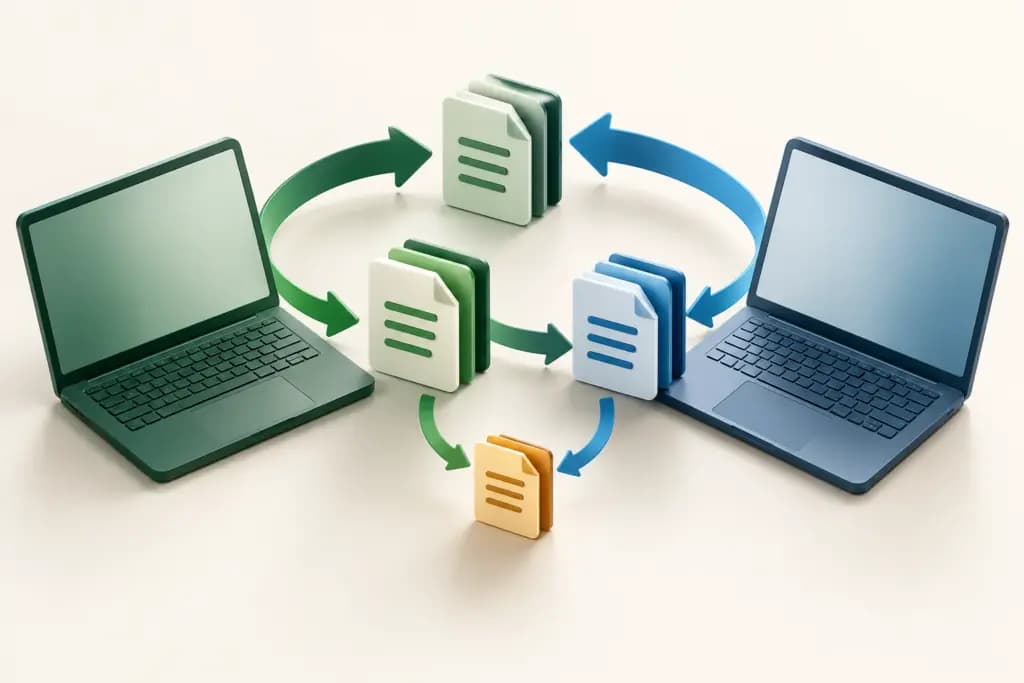
Keeping files available on several machines sounds simple until two people edit the same document, a laptop stays offline, or a deletion travels farther than intended. File synchronization software determines which changes move, where they move, and what happens when copies disagree. Those rules matter more than a promise to make files available everywhere.
Syncthing, Resilio Sync, GoodSync, FreeFileSync, and rclone approach this problem through different interfaces and connection models. Some emphasize continuous device-to-device replication; others organize explicit synchronization jobs or connect existing cloud storage. Licensing also matters: a free personal download is not necessarily permitted for business use.
Define direction, ownership, and recovery first
Write down the authoritative location for each folder. Is one computer publishing files to others, or may several devices make changes? Decide whether deletions should propagate, how conflicts should be kept, and who reviews an unexpected result. A one-way copy and a two-way synchronization job solve different problems even when they use the same source folders.
These tools do not automatically provide the collaborative editing, organization-wide sharing, or governed document workspace of a storage service. Our business cloud storage comparison covers that separate buying decision. Synchronization can connect repositories, but its replication rules still need an owner.
The quick difference
| Tool | Best fit | Operating model | Limit to understand |
|---|---|---|---|
| Syncthing | Continuous synchronization between approved devices | Peer devices exchange folder changes | Device availability, conflicts, and versioning need planning |
| Resilio Sync | Personal device-to-device file replication | Peer-to-peer synchronization with activated features | Current free Sync license is non-commercial |
| GoodSync | Managed one-way or two-way jobs across locations | Configured jobs, automation, and service connectors | Desktop, server, management, and storage scope differ |
| FreeFileSync | People wanting visible folder comparison before synchronization | Comparison and configurable folder-pair operations | Commercial use requires Business Edition licensing |
| rclone | Technical teams moving files across storage services | Command-line operations against configured remotes | Sync direction, credentials, and provider costs are your responsibility |
Syncthing
Syncthing synchronizes folders between approved computers without making a central hosted storage account the repository for their contents. Its official site describes encrypted connections and device authentication, with support across Windows, macOS, Linux, and other platforms. A browser-based interface is used to configure and monitor the service.
The strength is choosing where the files live and which devices participate. The tradeoff is that devices and their storage remain your responsibility. Think through an offline laptop, a missing always-on peer, and a renamed folder before rollout. Conflict handling and optional file versioning deserve deliberate configuration rather than an assumption that every edit will merge.
Syncthing is an open-source project, not a subscription that includes hosted disk space. Its FAQ explicitly distinguishes synchronization from an ideal backup arrangement. Deletions or unwanted edits can be replicated, so independent recovery planning remains necessary. Choose it when direct device relationships are understandable and somebody will maintain the peers, updates, disk capacity, and folder rules.
Resilio Sync
Resilio Sync uses peer-to-peer technology to synchronize and share files across devices. Its current consumer product page describes folder synchronization, large-file sharing, and controls for advanced folders. Former Pro features are now offered through the free Sync product, subject to activation and its current license conditions.
The important boundary is commercial use. The official activation FAQ says Sync 3.0 is available for non-commercial use and requires a license to activate. Previously purchased consumer licenses can unlock it; the FAQ says the license does not expire. This should not be interpreted as a free company-wide synchronization entitlement.
The strength is a packaged personal peer-to-peer workflow. The limitation for business readers is determining whether a different Resilio commercial offering is required and what it includes. Confirm current platform support and do not assume older Docker or device instructions remain applicable. Evaluate a folder across the devices you actually use, including reconnection and access changes, before relying on it for important files.
GoodSync
GoodSync organizes work through jobs that can perform one-way backup or two-way synchronization. Official product pages describe real-time, periodic, and scheduled automation, connections to local and remote filesystems, and support for multiple cloud services. GoodSync Connect provides another device-connection option within its ecosystem.
The strength is making direction and automation explicit in a job-oriented interface. That can be useful when one process publishes files to a destination while another keeps a different folder pair aligned. The limitation is managing several distinct choices: a job, a connection service, a server installation, centralized administration, and storage are not interchangeable entitlements.
GoodSync offers separate personal and business product paths, including server operating-system software and a management console. Confirm the exact license, renewal period, supported endpoints, and any storage charges in the current purchase flow or proposal. During evaluation, review the planned actions before running a job, then test an offline endpoint and a changed file on both sides.
FreeFileSync
FreeFileSync compares folders and transfers differences according to the selected synchronization configuration. It is available for Windows, macOS, and Linux. The visible comparison model suits users who want to inspect what will happen between a source and destination instead of treating continuous background replication as the default.
Its current licensing FAQ is especially important. The standard and Donation editions are for personal use by private individuals. Commercial users and organizations must purchase Business Edition. The FAQ lists a price of EUR 20 per device for unlimited use, with future software updates included for one year. That update period should not be confused with the duration of the usage license.
The strength is a concrete folder-pair workflow; the limitation is maintaining the right rules and edition for the deployment. Business features include silent installation and other additions described in the FAQ. Evaluate filters, deletions, and the consequences of selecting a different synchronization mode. A clear preview is useful only if the person running it understands which location should win.
rclone
rclone is a command-line tool for working with files across many storage systems. Its documentation lists operations including copy, sync, check, mount, and bisync, with remotes for numerous cloud providers and protocols. This makes it useful when files must move between services rather than only between a fixed set of desktop peers.
The critical distinction is command behavior. A one-way sync and a two-way bisync are different workflows; do not substitute one casually for the other. The bisync documentation describes state tracking, conflict handling, and recovery considerations. A scheduled command needs monitoring and a clear response when it fails, not merely a timer that launches it again.
rclone is open-source software, while storage capacity, requests, and network transfer can be billed by the connected providers. Someone must maintain credentials, filters, execution hosts, and logs. Choose it when a technical owner wants composable operations across storage services and can review the exact command behavior. Start with harmless sample data and inspect planned changes before using a destructive synchronization operation.
How to choose file synchronization software
Create a small trial folder with ordinary documents, a large file, nested directories, and a filename that differs only by case. Change the same file independently on two devices. Delete another file while one device is offline. The purpose is to understand the outcome and find the recovery path, not to produce an impressive transfer-speed number.
Map the connection model. Continuous peers need available devices; job-based systems need an execution host; cloud remotes need provider accounts and credentials. Check whether an unattended job continues when a user signs out or the machine sleeps. Confirm how failed transfers and authentication changes become visible to the responsible person.
Next, review data ownership and recovery. Establish how conflicts, previous versions, and deleted files are retained, and for how long. A synchronized copy can carry the same mistake as the original. Keep the recovery requirement separate from the replication requirement and verify it with representative sample files.
Finally, compare licenses and operational costs for the real environment. Include every licensed device or server, paid management features, cloud storage, and transfer charges. In this group, the names Resilio Sync and FreeFileSync should never be used as shortcuts for assuming unrestricted free business use.
Selection checklist
- Choose one-way or two-way behavior for every folder pair.
- Test conflicts, deletions, offline devices, and filename differences.
- Confirm the execution host and unattended operation.
- Document retention and an independent recovery method.
- Verify commercial licensing and external storage charges.
Choose according to the replication model
Syncthing fits continuous approved peers, Resilio Sync serves personal peer-to-peer workflows, GoodSync organizes automated jobs, FreeFileSync emphasizes visible folder comparison, and rclone connects storage systems through commands. Choose the model whose failure and conflict behavior your team can explain. This comparison does not claim tested transfer rates or guaranteed recovery results.
References
- Syncthing device synchronization
- Syncthing conflicts and backup boundaries
- Resilio Sync personal product
- Resilio Sync activation and non-commercial licensing
- GoodSync jobs and automation
- GoodSync connections and services
- GoodSync business scope
- FreeFileSync comparison workflow
- FreeFileSync editions and EUR device licensing
- rclone operations and remotes
- rclone two-way synchronization
- rclone license