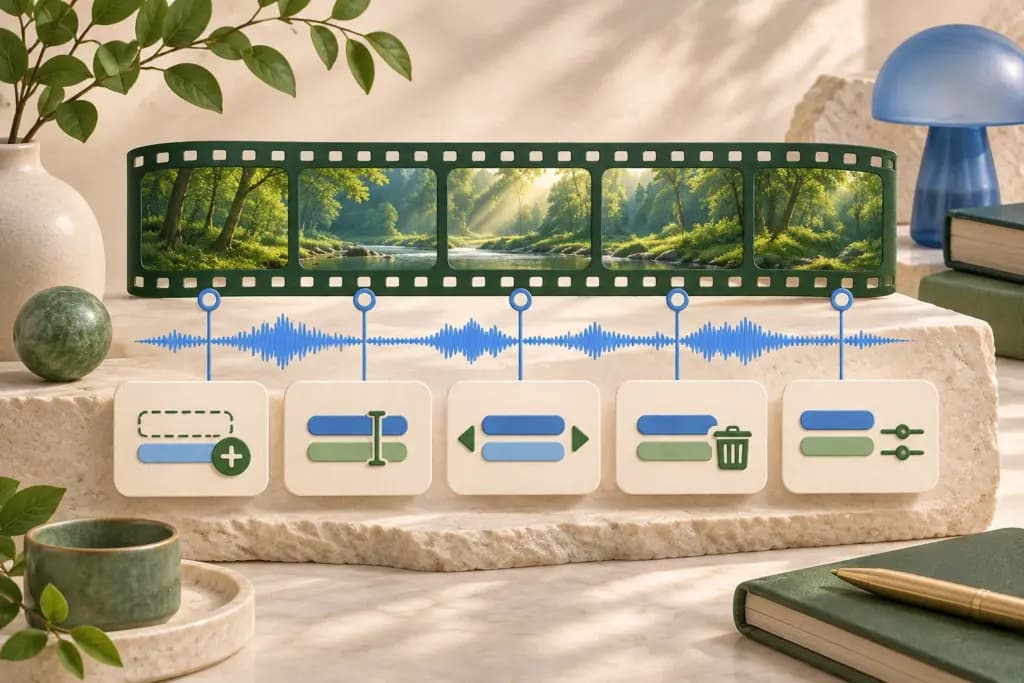
A subtitle file contains more than words. Each cue needs useful timing, readable line breaks, a suitable duration, and an export format the destination can interpret. Automatic transcription may provide a first draft, but it does not settle those editorial decisions or guarantee that the final video will display the intended result.
Subtitle Edit, Aegisub, Jubler, Subtitle Workshop, and Gaupol offer different local workflows for creating and maintaining subtitles. The choice depends on whether you need broad conversion and repair tools, styled typesetting, cross-platform editing, an established Windows workflow, or a Linux-centered text editor. Official sources were checked on November 20, 2026; this comparison does not claim measured timing accuracy or hands-on rendering tests.
Choose the subtitle deliverable first
Separate a text subtitle file from subtitles permanently rendered into a video. Plain delivery formats may carry text and timing while dropping elaborate fonts, positions, or animation. A project built around styled ASS subtitles has different requirements from a straightforward SRT handoff. Confirm the destination’s accepted formats and style behavior before spending time on effects.
These tools focus on caption text, timing, and related processing. Our video editing software comparison covers the broader picture-editing workflow. Keep an editable subtitle master even when the final production also requires a video with captions burned in.
The quick difference
| Tool | Best fit | Main strength and boundary |
|---|---|---|
| Subtitle Edit | Broad subtitle conversion, repair, and timing | Current cross-platform generation; optional service dependencies |
| Aegisub | Detailed timing and styled subtitle typesetting | ASS styling and automation; export behavior needs review |
| Jubler | Cross-platform text editing and translation | Java application; external playback and dictionary requirements |
| Subtitle Workshop | An established Windows subtitle-editing workflow | Broad text and timing tools; choose the maintained branch |
| Gaupol | Linux text subtitle creation and correction | Focused GTK editor; old Windows builds are a separate limitation |
Subtitle Edit
Subtitle Edit provides creation, conversion, synchronization, error correction, OCR, and waveform or spectrogram timing tools. Its current documentation describes Subtitle Edit 5 as a cross-platform generation built with Avalonia UI. Buyers comparing older recommendations should not assume that the application remains limited to its historical Windows deployment.
The official repository distinguishes current Windows, macOS, and Linux requirements and packages. Bundled media dependencies differ by package, so verify the selected build rather than assuming every platform needs identical setup. The core application runs locally; optional translation, transcription, and other online providers involve their own data transfers and terms.
Subtitle Edit fits a varied workflow that may include converting image-based subtitles to text, fixing common errors, and adjusting cue timing. Evaluate the exact input and output formats you use, with a short difficult clip. OCR and speech recognition require editorial correction. Keep optional service charges, model downloads, and local resource requirements separate from the free editor itself.
Aegisub
Aegisub combines timing tools with detailed subtitle styling and a real-time video preview. Its manual covers audio timing, visual typesetting, ASS override tags, styles, translation assistance, and automation. It is particularly relevant when the subtitle’s appearance and placement are part of the production rather than just a text transcript beneath the video.
The strength is deliberate control over styled subtitles. The tradeoff is that this control requires knowledge of the format and renderer. A carefully positioned sign or karaoke effect may not survive export to a simpler format or playback in a destination that ignores ASS styling. Decide early whether the final handoff supports the intended features.
Aegisub fits captioners and translators prepared to maintain a styled master and validate the delivered result. Use the official current build and matching documentation rather than relying on an old version bundled in a tutorial. Check fonts, line breaks, timing, and the destination player. Automation should support the editorial process, with generated or transformed cues still reviewed.
Jubler
Jubler is a Java-based subtitle editor supporting creation, translation, conversion, and correction of text subtitles. Its current homepage describes support for Windows, macOS, and Linux, with video preview, validation, and batch-processing capabilities. It also identifies the project as AGPL-licensed open-source software.
Dependency information needs care. The current homepage names VLC for video and audio preview and ASpell for spelling, while the older feature page still describes MPlayer and FFmpeg-related behavior. That documentation difference is a reason to validate requirements for the current release, not to assume that every historical playback instruction still applies.
Jubler suits a cross-platform text-editing and translation workflow when its package and external components fit the workstation. Check subtitle encodings, dictionary availability, and whether the intended format preserves style information. Bring a bilingual sample containing accents and punctuation. A portable application technology does not eliminate platform-specific playback and font issues, so test those dependencies before a wider team adopts the same setup.
Subtitle Workshop
Subtitle Workshop offers text editing, timing adjustments, frame-rate conversion, error checks, and support for many subtitle formats. Its established interface can be attractive to Windows users who already know the workflow. The original project site describes features and GPL licensing, but its displayed release news dates back to 2013.
Distinguish that historical site from maintained continuations. The Subtitle Workshop Classic project describes a branch derived from 6.0c, with VLC rendering, audio waveform support, UTF-8 handling, and Hunspell checking. A current Classic download is not the same package as the old download advertised on the original homepage.
Subtitle Workshop fits a Windows workflow where branch identity and required features have been checked explicitly. Record the exact project and release used by the team, then verify a file round trip with the actual media codecs. Do not combine screenshots, feature claims, and installation requirements from different branches into an imaginary single release. Existing familiarity is valuable when paired with a clear maintenance choice.
Gaupol
Gaupol is a text subtitle editor focused on creating, translating, timing, and correcting subtitle files. Its current homepage presents Linux availability, a built-in video player, and support for launching an external player. The repository also documents aeidon, a separately installable Python package for reading and manipulating subtitle files.
The platform boundary is clear: current Windows installers are no longer built. The repository identifies an older Windows version and notes missing functionality, including the built-in player. A Linux recommendation should not be generalized into a claim that current Windows users receive the same maintained experience.
Gaupol fits Linux users who want a focused editor integrated with their distribution or a Flatpak workflow. Check the installed version and media dependencies, particularly codec coverage for your videos. If building from source, review the current Python and GTK requirements. Its GPL license removes an editor purchase cost, while packaging, dictionaries, and playback support still need practical verification on the target workstation.
How to choose with a short production sample
Use a two-minute clip containing quiet speech, fast dialogue, a speaker change, and an on-screen label. Prepare a few intentionally imperfect cues: one overlap, one very long line, one wrong character encoding, and one cue that appears too early. Ask the editor to identify and correct them, then export to the actual delivery format. This comparison proposes that evaluation rather than reporting that it was performed.
Review text and timing separately. First verify names, punctuation, speaker meaning, and any required sound descriptions. Then review cue boundaries, reading duration, line breaks, and synchronization against the picture. Automated error detection can find particular patterns, but a lack of warnings does not prove that the subtitles are readable or complete.
Check the handoff outside the editor. Open the exported file in the destination platform or its supported validation workflow. Look for lost styling, font substitution, changed line breaks, encoding errors, and timebase differences. Preserve the editable source and note the export settings so another person can reproduce the deliverable without guessing.
All five choices provide free or open-source editor workflows, with different licenses and packaging responsibilities. Optional speech, translation, or other services can introduce usage billing and separate data policies. Compare local hardware needs, media dependencies, training, and maintenance before treating the absence of a subscription as the whole cost. No paid service amount or currency is assumed here.
Selection checklist
- Confirm the target format and whether styled subtitles are supported.
- Verify the current release, platform package, and media dependencies.
- Review text, cue timing, reading duration, and line breaks separately.
- Export a sample and inspect it in the actual destination workflow.
- Separate local editing from optional online processing and its terms.
Which editor fits
Subtitle Edit fits a broad conversion and repair workflow, Aegisub fits detailed typesetting and timing, and Jubler fits cross-platform text and translation work after dependency checks. Subtitle Workshop fits an explicitly chosen Windows branch, while Gaupol fits a maintained Linux editing environment. Choose the tool that preserves a clear route from editable cues to a verified final handoff.
References
- Subtitle Edit official product and documentation
- Subtitle Edit official usage, licensing or deployment details
- Aegisub official product and documentation
- Aegisub official usage, licensing or deployment details
- Jubler official product and documentation
- Jubler official usage, licensing or deployment details
- Subtitle Workshop official product and documentation
- Subtitle Workshop official usage, licensing or deployment details
- Gaupol official product and documentation
- Gaupol official usage, licensing or deployment details